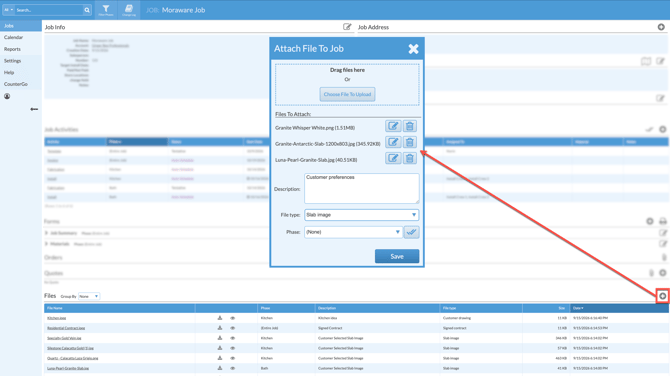
Do you need to add multiple files to a Job? Multiple files can be uploaded to a Job either by multi-selection, or drag and drop. Upload more than one file at a time by dragging and dropping files instead of clicking on Choose File to Upload.
- In the Job, scroll to the Files section.
- Click the Attach File icon to the right of Files.
- Select multiple files from your File Explorer or Finder window and drag and drop them into the box with the dotted line.
OR
Click the Choose Files To Upload button > use the Shift or Command key to select multiple files. - Rename, Delete, and select a File Type and/or Phase if they are all the same type of file in the same Phase. If they are different types or for different Phases, click on the File Name after uploading to change your selection.