
Systemize allows you to create additional Processes to track multiple sets of activities within your business independently.
A Process is most commonly used to track Sales separate from production. Creating another Process will allow you to track particular activities and information separate from active Jobs.
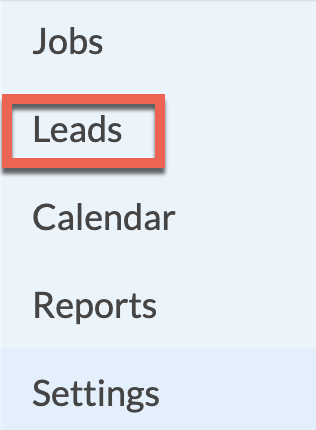
- When a new Process is created, a menu item will appear in the left side navigation menu.
- Activities, Forms and Job Fields can be created and associated with that Process.
For example, a Sales Lead Process could contain Activities like Sales Call and E-mail, plus a Lead Field called Lead Source. - After adding a Process, like a Lead, new Leads are created in the same manner new Jobs are created.
- When it's time for a Sales Lead to become a Job, a single button click converts the Lead to a Job.
Once a Job, you can access the full history, including previous Sales Lead Activities, Forms and Fields. - Process security access is shared with Job security access. A User with access to edit Activities in Jobs can also edit Activities in Leads.
- Job-related Reports may need to be modified to exclude the newly defined Process.